Mouse control
Use the phone as a responsive trackpad for pointing, clicking and navigating the desktop.
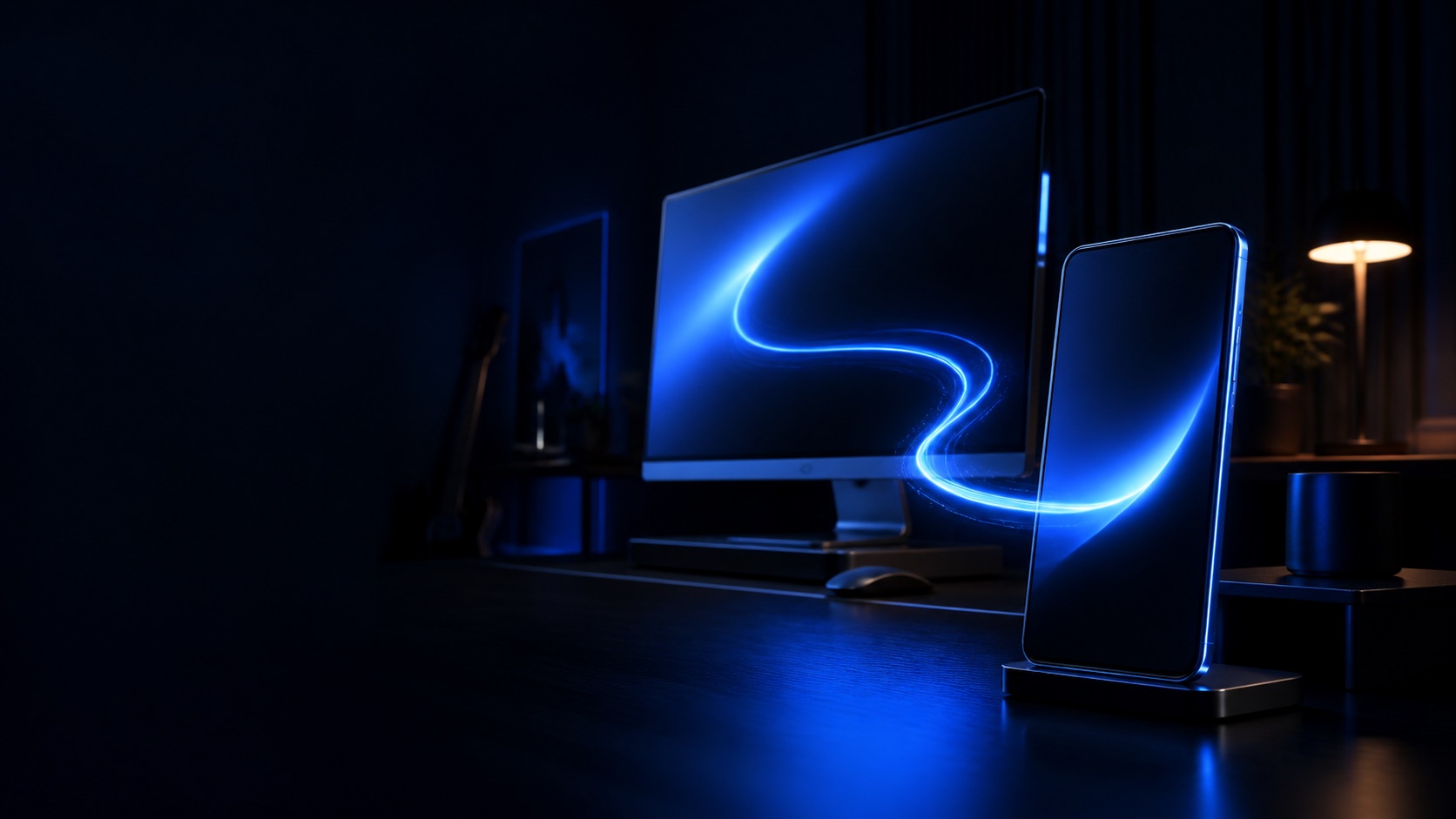
Your computer, within reach
Turn your phone into a responsive mouse, keyboard and desktop viewer for a Windows or macOS computer.
 Utility · Remote control
One connected workspace
A focused set of remote tools keeps common computer tasks available from the device already in your hand.
Use the phone as a responsive trackpad for pointing, clicking and navigating the desktop.
Type and edit from the mobile keyboard when you need to enter text on the connected computer.
See the computer screen from your phone so the control context stays visible.
Connect your own devices and keep the remote-control experience centered on your personal workspace.
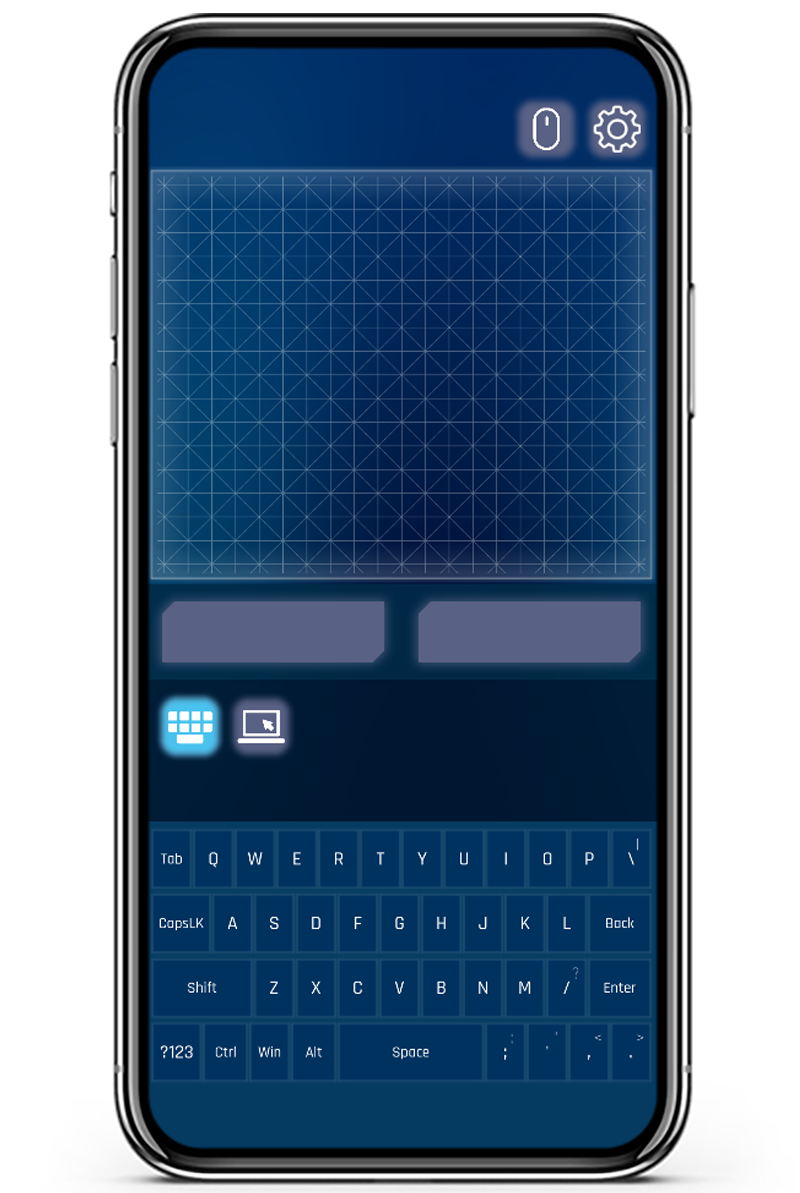
Desktop control
The mobile experience brings remote viewing and core input controls together, reducing the distance between checking the desktop and responding to it.
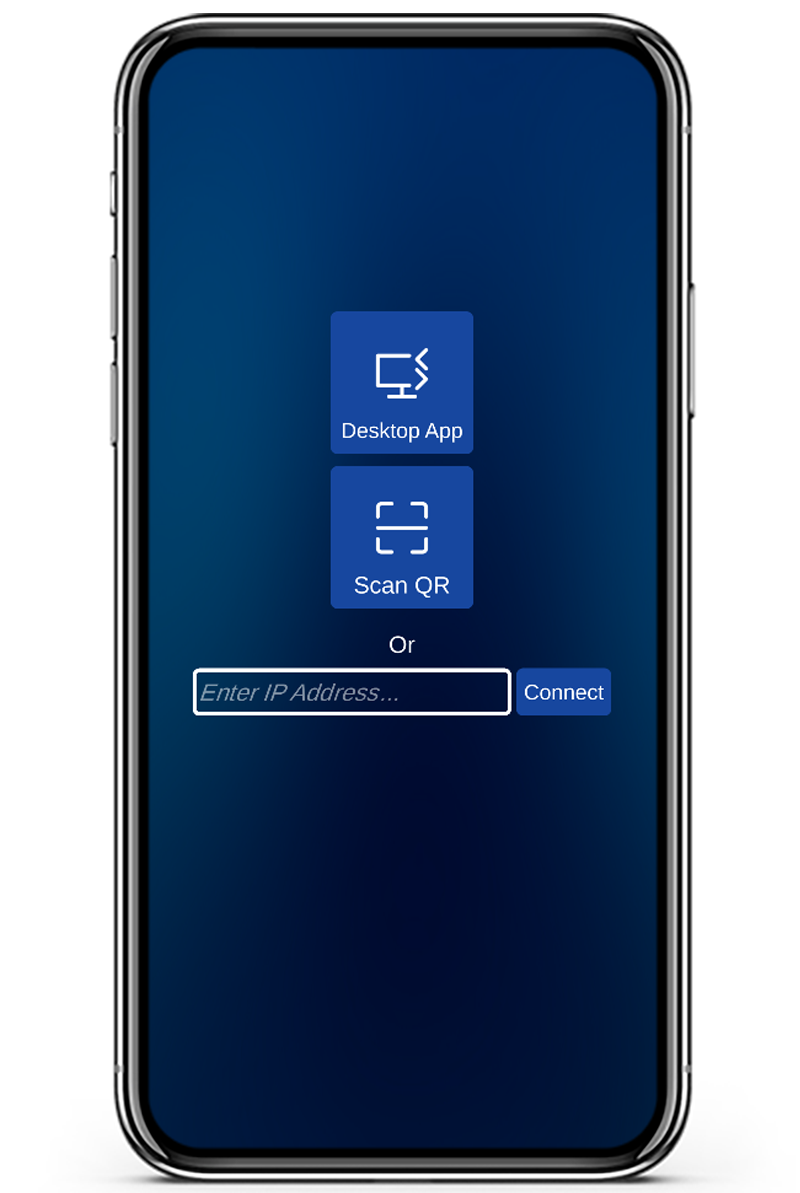
Built for everyday reach
Use the remote when a computer is across the room, connected to a larger display or simply more convenient to control from a phone.
The desktop companion is available for both Windows and macOS, while the mobile controller is available for Android and iOS.
Complete the connection
Install the desktop companion on your computer and the mobile controller on your phone.